

 Managed Sync
 ActionKit
 Workflows
Connect Your Users’ Integrations
Start using Paragon by embedding Paragon components within your app to manage authentication for any integration.
Set Up Paragon
Install the Paragon SDK, add integrations, and start connecting users

Install the Paragon Skill
Provide context to your coding agent on how to set up and build Paragon integrations
Build Integrations Your Way
For different use cases, Paragon has three primitives for building integration logic: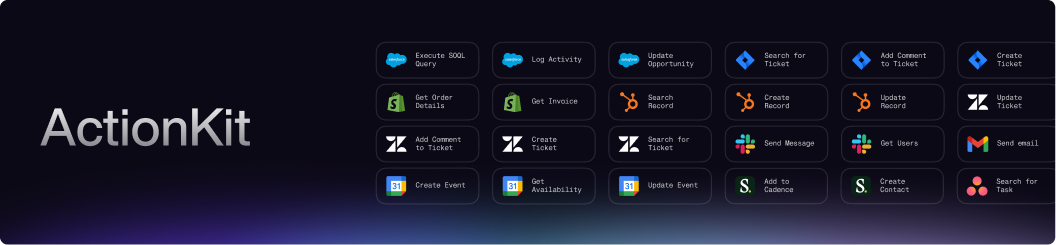
ActionKit
Pre-built integration actions for real-time use cases - Triggers to subscribe to webhook events and Tools for CRUD operations
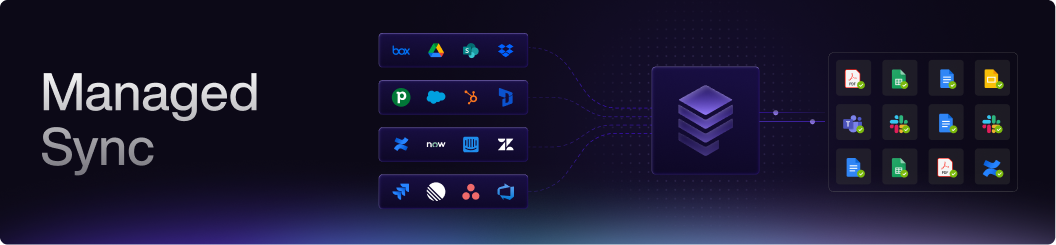
Managed Sync
Data pipelines to sync all of your users’ integration data
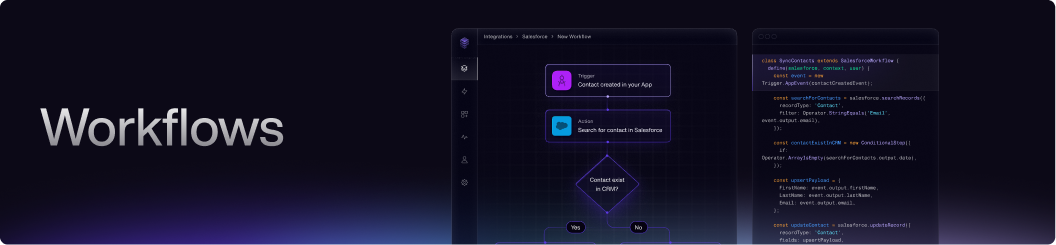
Workflows
Build integration logic and automations without managing infrastructure
Full Monitoring & Observability
Monitor every action in Paragon’s platform - everything from authentication to credential refreshes to individual tool calls.
Monitoring & Observability
Every integration event is captured, viewable in Paragon dashboards, and forwardable to your logging platform of choice
Flexible Hosting
Whether you’re looking for a cloud-hosted or on-prem/self-hosted option, Paragon has you covered.- Use Paragon’s hosted cloud environment, available in U.S. and E.U. regions
- Deploy Paragon infrastructure on-prem in your own VPC
- Forward deploy Paragon instances in your customers’ cloud environments
Choosing a Hosting Solution
When to use Paragon’s cloud offering vs. hosting Paragon in your own VPC
Deploying On-Prem
Deploy Paragon in your private AWS, Azure, or GCP environment