

 Managed Sync
 ActionKit
 Workflows
Overview
User-Configured OAuth allows your users to connect an integration with their own OAuth client (Client ID and Client Secret) instead of the OAuth credentials you’ve configured in Paragon. This is useful when:- Your customers have stricter security or compliance requirements that require them to bring their own OAuth app.
- Your customers need to customize OAuth scopes that are requested.
- Your customers want to manage rate limits, audit logs, or app-level settings on their own OAuth app.
- Your customers belong to organizations that only allow connections to internally registered apps.
Supported Integrations
User-Configured OAuth is currently supported for the following integrations:Enabling User-Configured OAuth
User-Configured OAuth is exposed as an additional Account Type on the integration. To offer it to your users, pass anaccountType array to paragon.installIntegration (or paragon.connect) listing the account types you want to make available.
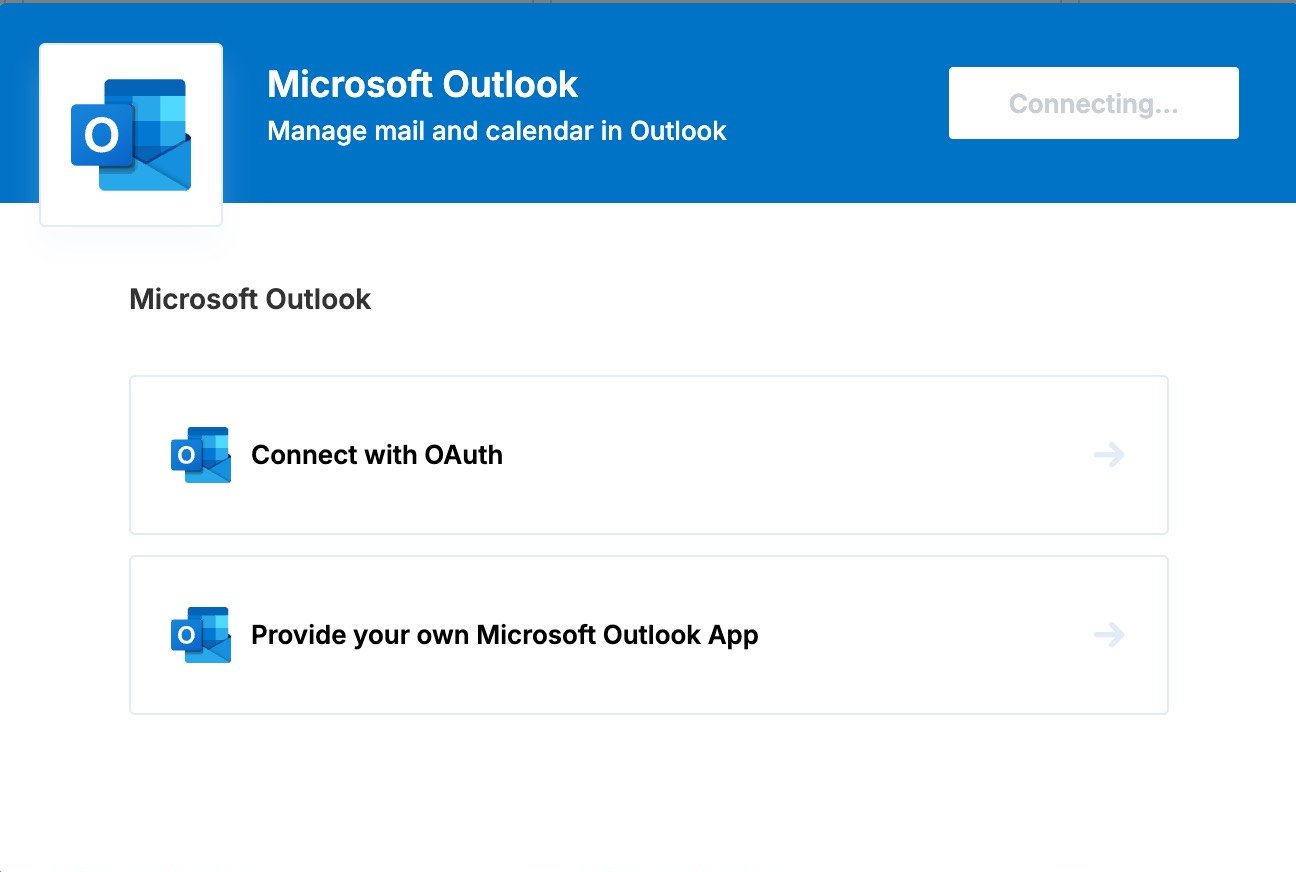
"user-configured-oauth" as the only value:
paragon.connect to launch the Connect Portal with the same behavior:
What your users will be prompted for
After selecting the User-Configured OAuth account type, the user will be prompted to enter:- Client ID: The Client ID of their OAuth application.
- Client Secret: The Client Secret of their OAuth application.
- Scopes (optional): A list of OAuth scopes to request. The default scopes configured for your Paragon integration will be pre-filled in this input, but users can add or remove their own scopes.
- Redirect URL: A read-only field showing the redirect URL the user must add to their OAuth application. By default, this is
https://passport.useparagon.com/oauth. - Other integration-specific settings may appear in this step if required by the integration.
Using User-Configured OAuth with the Headless Connect Portal
If you’re using the Headless Connect Portal, pass the sameaccountType option to paragon.installFlow.start:
accountType is an array of more than one value, the install flow will emit an AccountTypeStage in the onNext callback. You can render the available options and call paragon.installFlow.setAccountType when the user selects one.
If the user chooses "user-configured-oauth", the install flow will subsequently emit a PostOptionsStage containing inputs for the Client ID, Client Secret, scopes, and the read-only Redirect URL. See the Input Types Reference for help rendering these inputs.
User-Configured OAuth requires
@useparagon/connect v2.1.1 or higher to be supported by the Headless Connect Portal. See the SDK changelog for more details.